> ## Documentation Index
> Fetch the complete documentation index at: https://developers.uqpay.com/llms.txt
> Use this file to discover all available pages before exploring further.

# Transaction

> How to view and track transaction details on UQPAY.

## Viewing Transactions

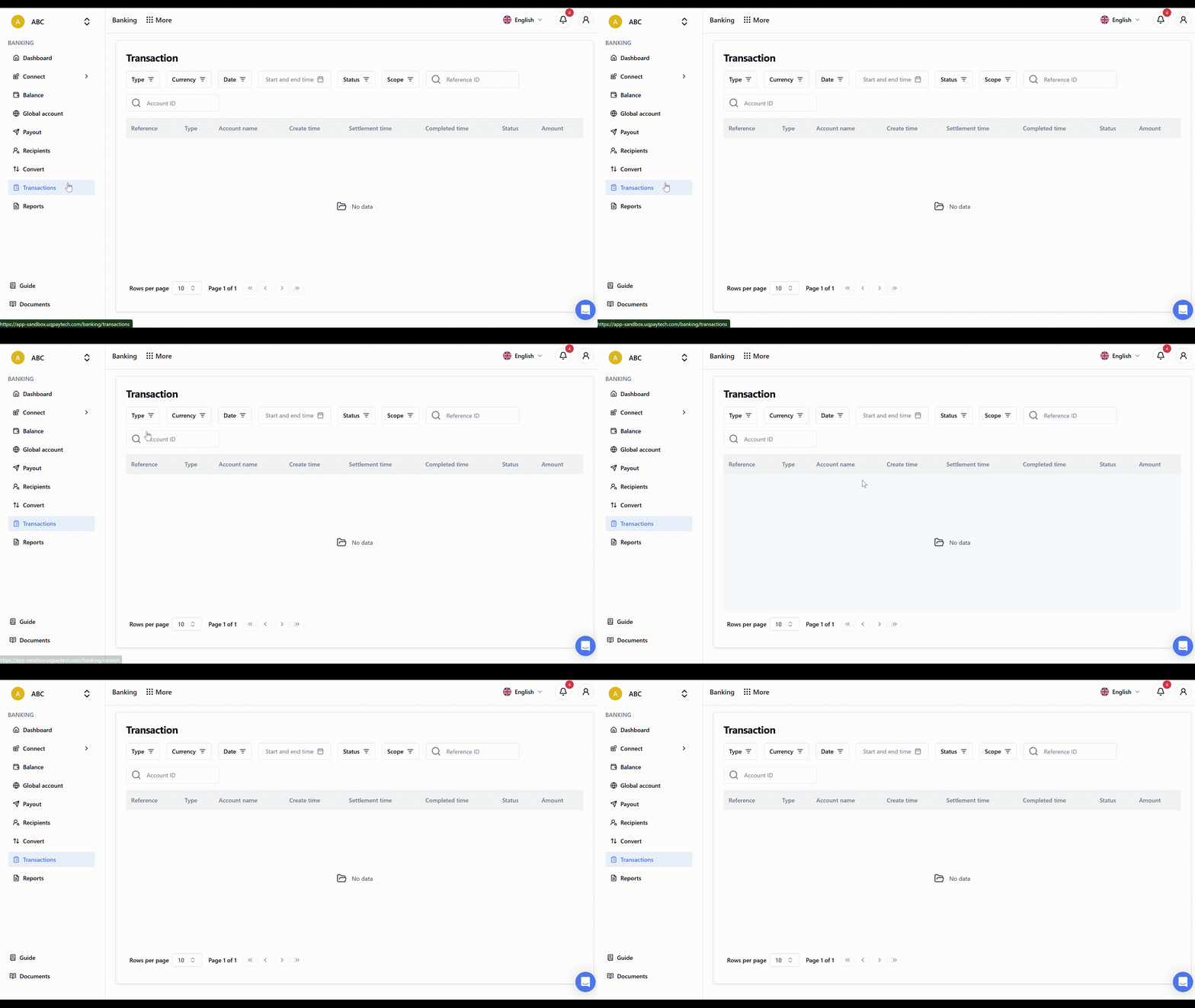
1. Click **Transaction** to view all transaction details
2. The view includes transaction type, currency, date, status, and amount
3. Use the interface to search and track specific transactions
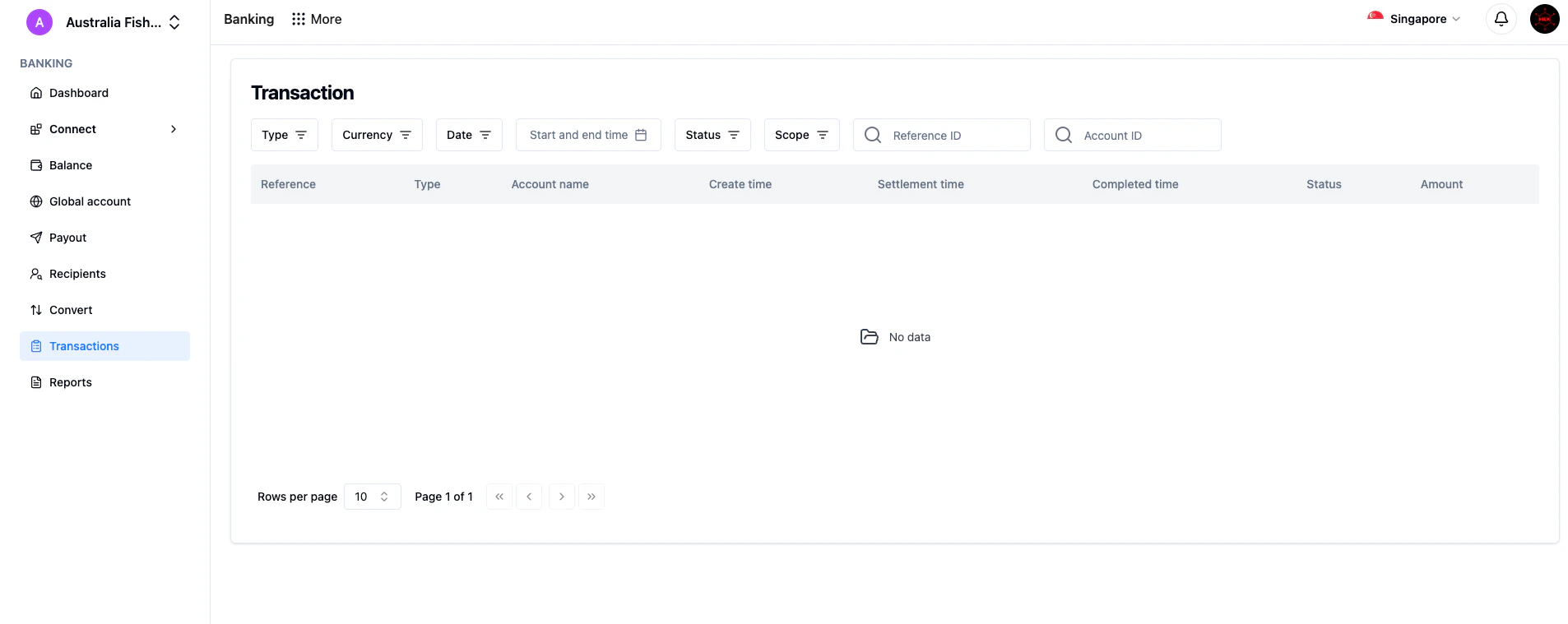
<img src="https://mintcdn.com/uqpay-0838527a/GV6irsUxItGjXqc0/images/knowledge-base/payments-fx/transaction-01.png?fit=max&auto=format&n=GV6irsUxItGjXqc0&q=85&s=5fddbd3fc36b901bdb9ec4c2ef23662d" alt="Transaction list view" width="1906" height="759" data-path="images/knowledge-base/payments-fx/transaction-01.png" />

<img src="https://mintcdn.com/uqpay-0838527a/S0Y2czYs43yIMBfx/images/knowledge-base/payments-fx/transaction-02.gif?s=7a68e3c94867faa35ce6acbf6bf1e315" alt="Transaction walkthrough" width="2560" height="1440" data-path="images/knowledge-base/payments-fx/transaction-02.gif" />
