> ## Documentation Index
> Fetch the complete documentation index at: https://developers.uqpay.com/llms.txt
> Use this file to discover all available pages before exploring further.
# Payment & FX Services
> How to perform payouts, manage recipients, and conduct currency exchanges on UQPAY.
## Payout
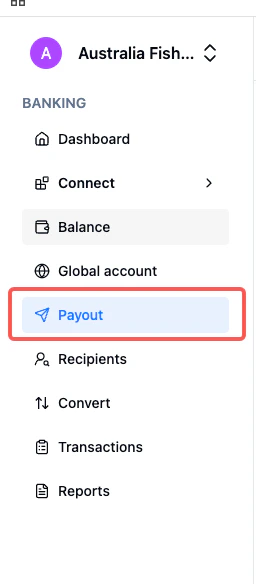
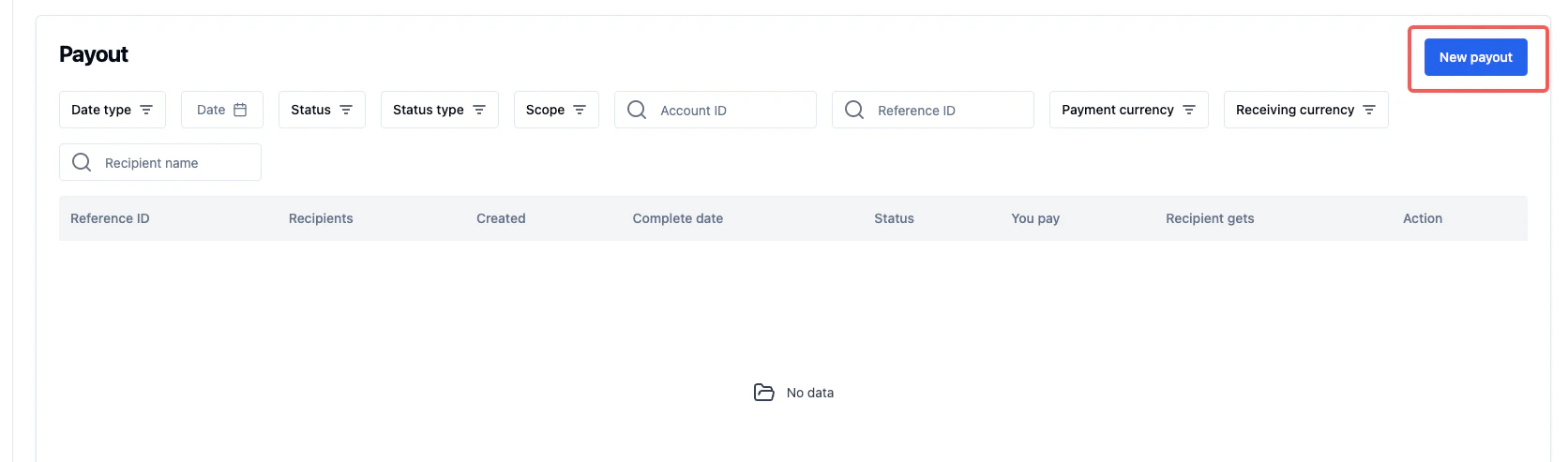
1. Navigate to **Payout** then **New Payout**
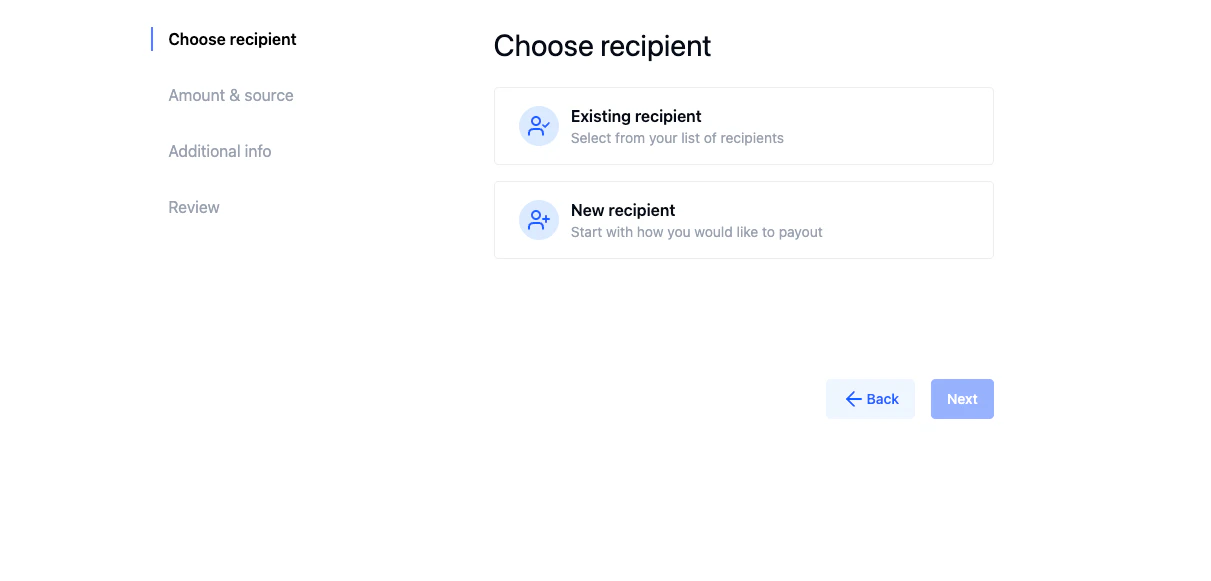
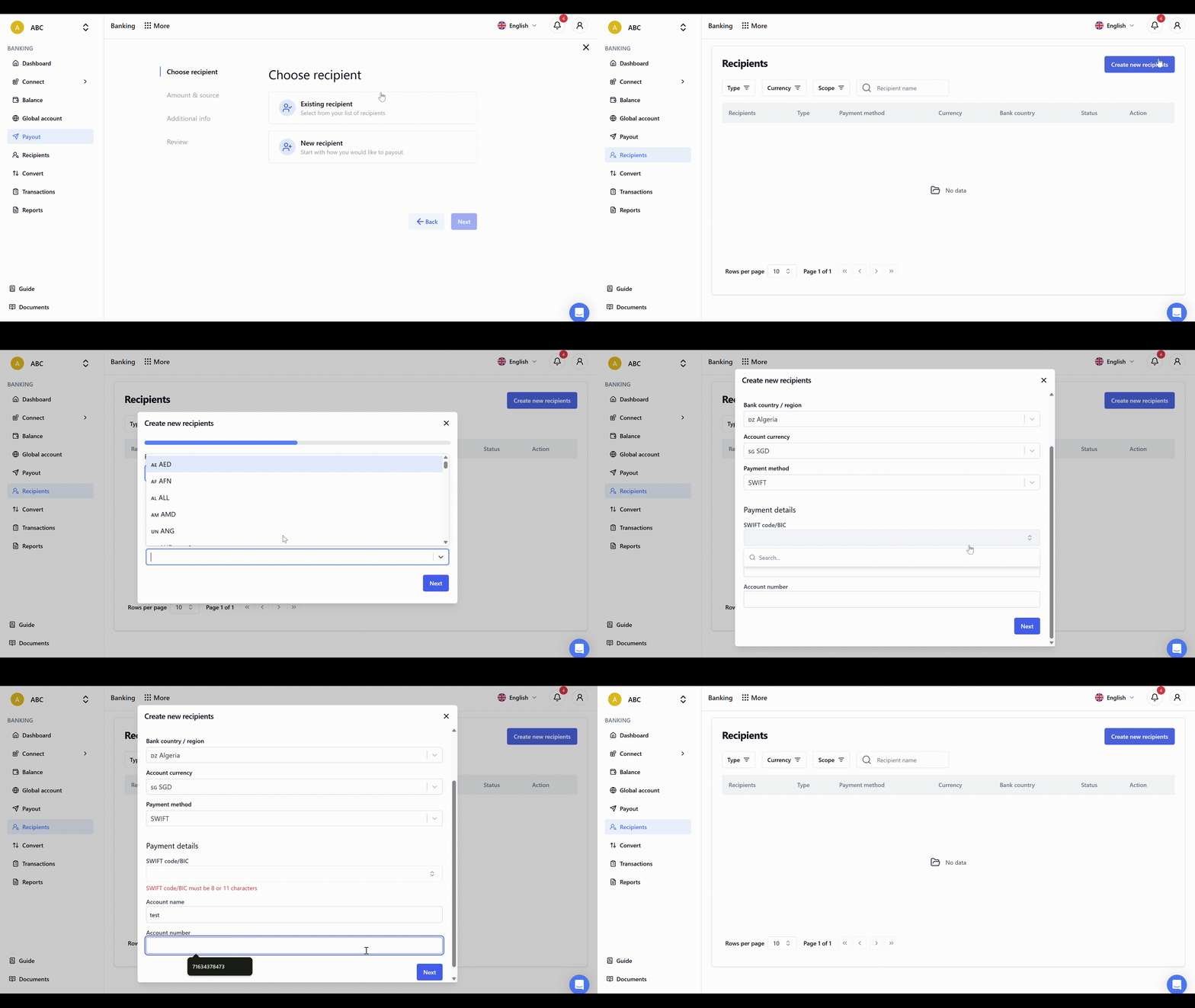
2. Select an existing recipient or create a new one
3. Confirm the transaction details and complete the payout
 ## Recipients
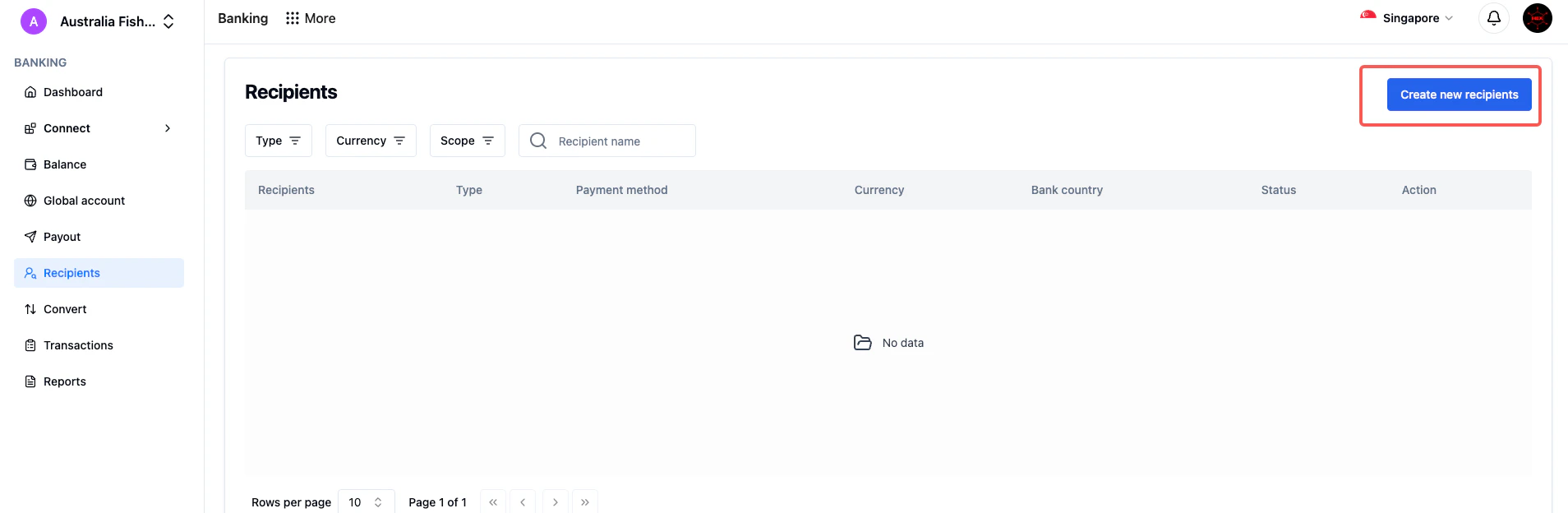
1. Click **Recipients** to access your recipient management
2. View all stored recipient details and their current status
3. Select **Create New Recipient** to add additional payment recipients
This section centralizes all your payee information in one location for easy reference and management.
## Recipients
1. Click **Recipients** to access your recipient management
2. View all stored recipient details and their current status
3. Select **Create New Recipient** to add additional payment recipients
This section centralizes all your payee information in one location for easy reference and management.
 ## Currency Exchange
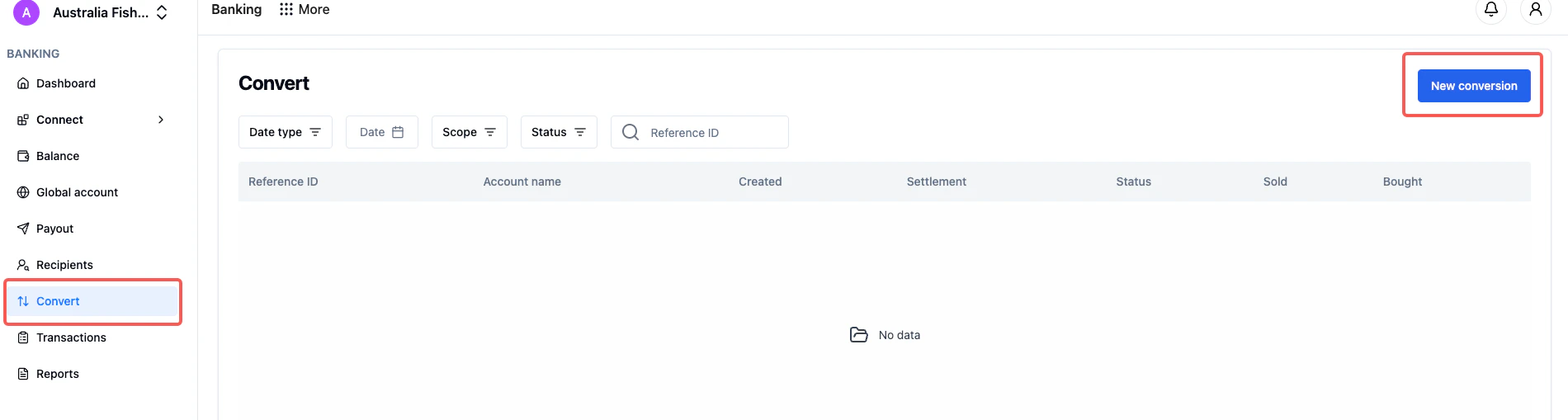
1. Access the **Conversion** feature
2. Select **New Conversion**
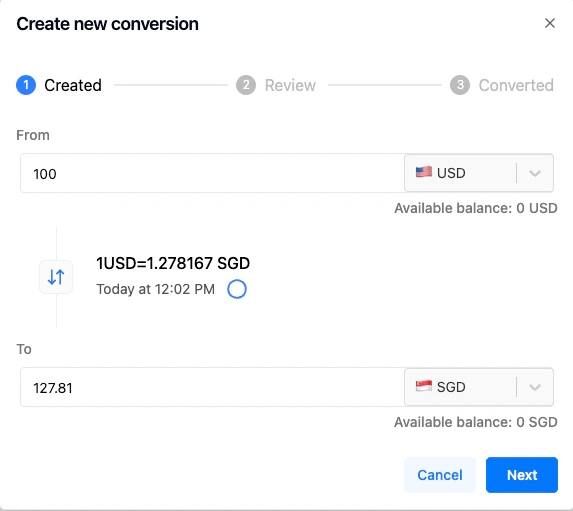
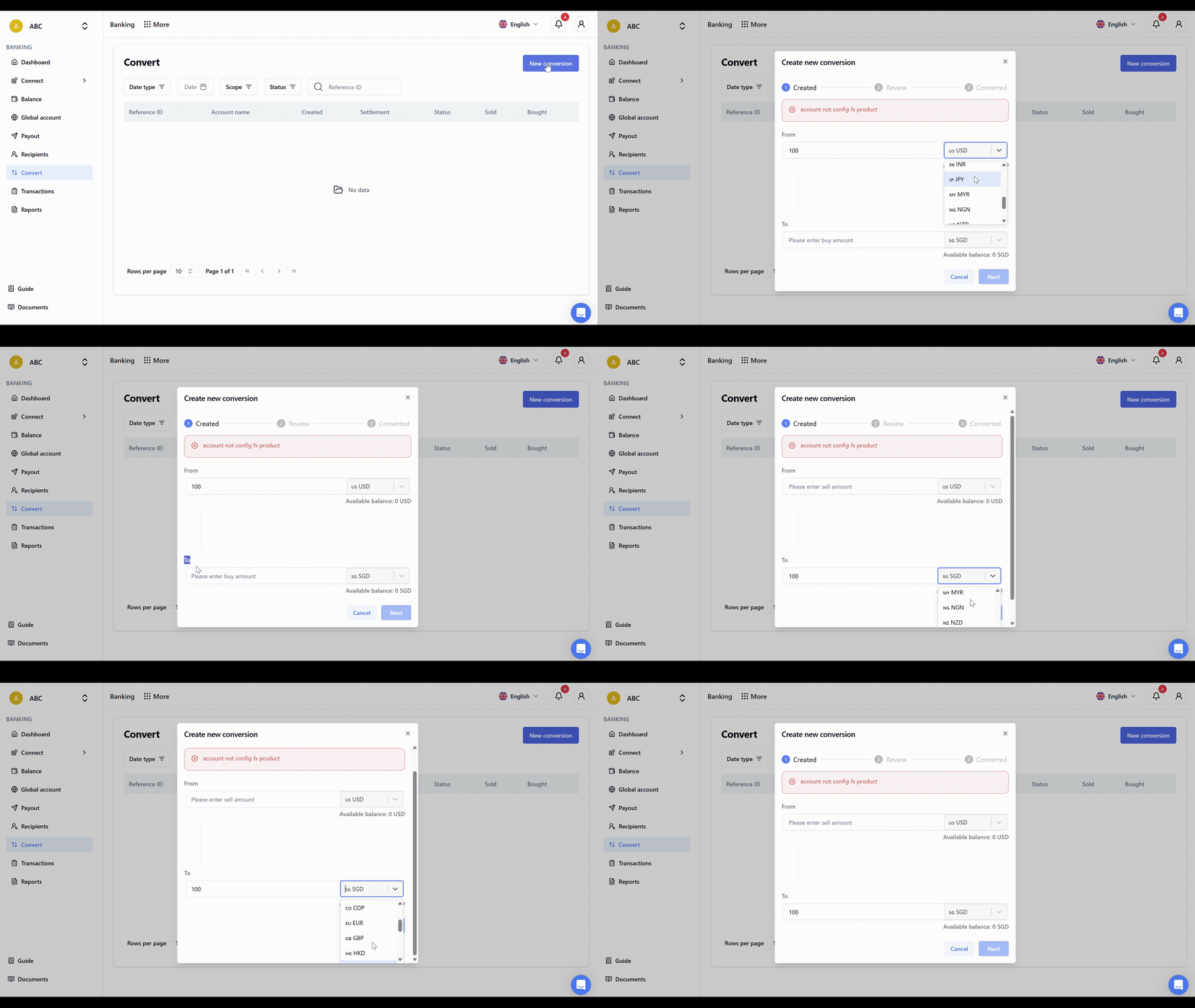
3. Choose your desired currency pair and complete the exchange
The platform displays real-time conversion options to help you make informed decisions about currency exchanges.
## Currency Exchange
1. Access the **Conversion** feature
2. Select **New Conversion**
3. Choose your desired currency pair and complete the exchange
The platform displays real-time conversion options to help you make informed decisions about currency exchanges.
 For additional assistance, the UQPAY Customer Support Team is available to address questions about these payment and foreign exchange services.